 Popcorn Panic
Short mobile games for a quick break, and how to pick a good one
Some games fit neatly into a coffee break. Others swallow twenty minutes or nag you to come back. Here is how to tell them apart before you install.
In this guide
Short mobile games for a quick break start fast, play in short self-contained rounds, give you a clear moment to stop and work with the sound off. Look for one-finger controls, no login, progress saved on the phone and no timers that push you to keep playing. Test a game during one real break before you keep it.
You have five minutes. The kettle is on, the bus is late, or a meeting just ended early. A quick game fits that gap nicely, as long as it actually stays quick.
Many games do not. Some take a minute just to load and show news screens. Others end every round with three pop-ups, a countdown and a reason to play one more. This guide covers what separates good short mobile games for a quick break from the ones that eat your whole lunch hour, with a checklist you can use on any game. We use our own crowd runner, Popcorn Panic, as a worked example, because we know exactly how it behaves.
What makes a game break-friendly
A break game is not defined by genre. Puzzles, card games, runners and arcade games can all work. What matters is how a session is shaped.
- Fast start. You tap the icon and you are playing within a few seconds, not watching splash screens and event banners.
- Short, complete rounds. Each level or round has a beginning and an end. You never have to stop halfway through something.
- A clean stopping point. When a round ends, the game shows a result and waits. Nothing forces the next round to start.
- Simple controls. One finger, one idea. You should not need to remember a combo after a week away.
- Works with the sound off. In an office, a train or a waiting room, you want to play quietly and still understand what is happening.
- No pressure. No timers that punish you for leaving, no "your energy is full, come back now" alerts.
Level-based games tend to do well here, because each level is a natural round. That is one reason crowd runners suit short breaks. If you are new to the genre, our guide to what a crowd runner game is explains the basic loop.
A six-point checklist before you install
Store pages tell you a lot if you know where to look. Before you download, run through these points:
- Read how a round works. Look for words like "levels" or "rounds". Endless modes can be fun, but they rarely give you a clear place to stop.
- Check the controls. "Tap", "hold" or "swipe" with one finger is ideal for a break. Two-thumb controls are harder on a bus.
- Look for a login. If the game needs an account before you can play, the first launch will take longer and may need a connection.
- See how progress is saved. "Progress saved on your device" means you can close the game at any time between rounds and pick up where you left off.
- Check what needs the internet. Breaks often happen where the signal is weak. A game that plays offline is a safer bet. Our article on crowd runner games you can play offline has a simple airplane mode test.
- Read how ads and rewards work. A good listing says when ads appear and whether videos are your choice. Ads that land in the middle of play make a short break feel shorter.
None of these points settles it on its own. They narrow your shortlist, and then a real test decides.
Test it during one real break
The best way to judge a quick game is to use it the way you will actually use it.
- Install it at home first. Let any first-time downloads finish and answer setup questions, so your first break is not spent on loading screens.
- Turn the sound off before you start. Most games have a sound switch in their settings. Check that you can still follow the action without it.
- Start a timer for your real break length. Five minutes is a good test.
- Play from a closed app. Swipe the game away first, then open it. Notice how long it takes to reach actual play.
- Stop when the timer ends. Finish the current round, then close the app. Was there a clear moment to stop, or did the game push you into the next round?
- Reopen it later the same day. Check that your progress is still there and that the game did not punish you for leaving.
If the game passes all six steps, it is a keeper for short breaks. If it fails step 5 every time, it may still be a fine game, just better saved for longer sessions.
Habits that keep a quick game quick
Even a well-designed game can stretch a break if you let it. A few small habits help:
- Decide on a number of rounds. "Two levels" is easier to keep to than "a few minutes".
- Skip the extras on short breaks. Shops, collections and upgrade menus are nice, but they are also where minutes disappear. Save them for a longer session.
- Leave on a win or a clean loss. Do not start "one more try" when you have thirty seconds left.
- Turn off game notifications. If a game keeps calling you back, switch its notifications off in your phone settings. Good break games do not need them.
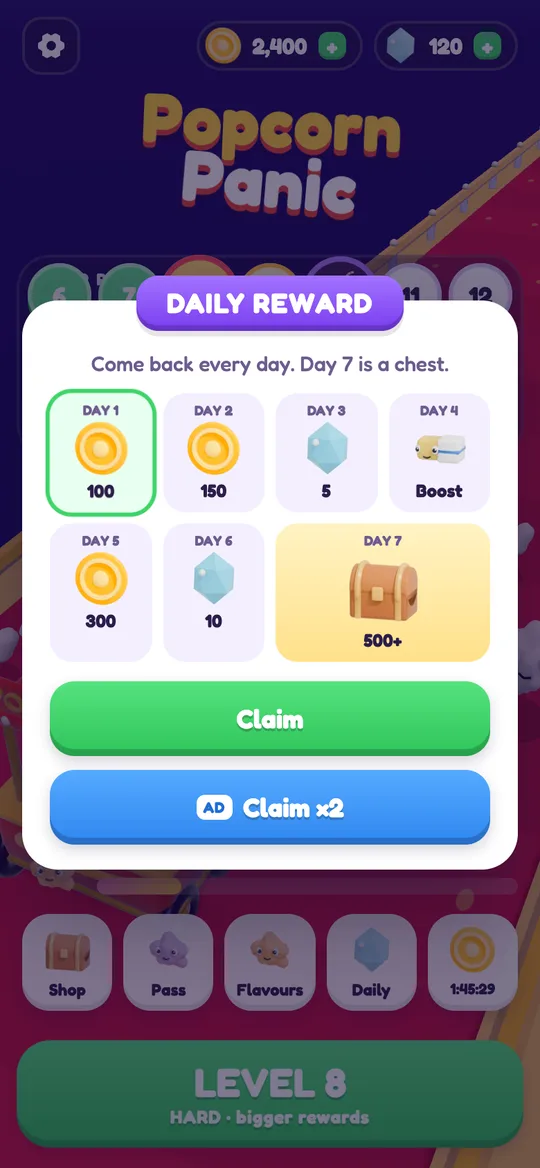
- Be relaxed about daily rewards. Streak calendars can be a nice bonus, but they should never be the reason you open a game.
How Popcorn Panic fits a short break
Popcorn Panic: Crowd Rush is a free popcorn crowd runner for Android, coming soon to Google Play. Here is how it lines up with the checklist above, using only what the game actually does.
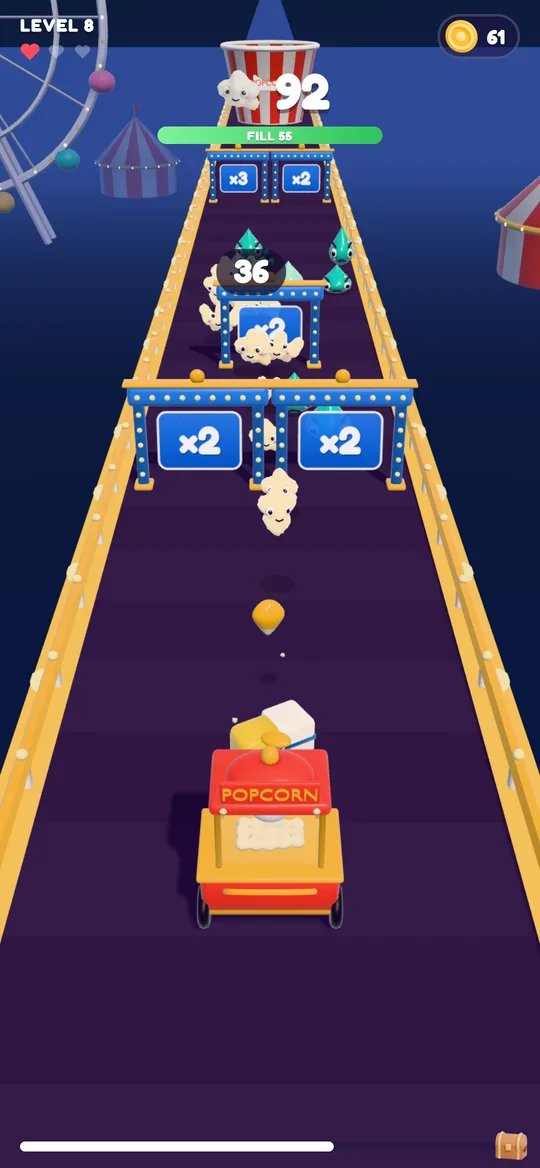
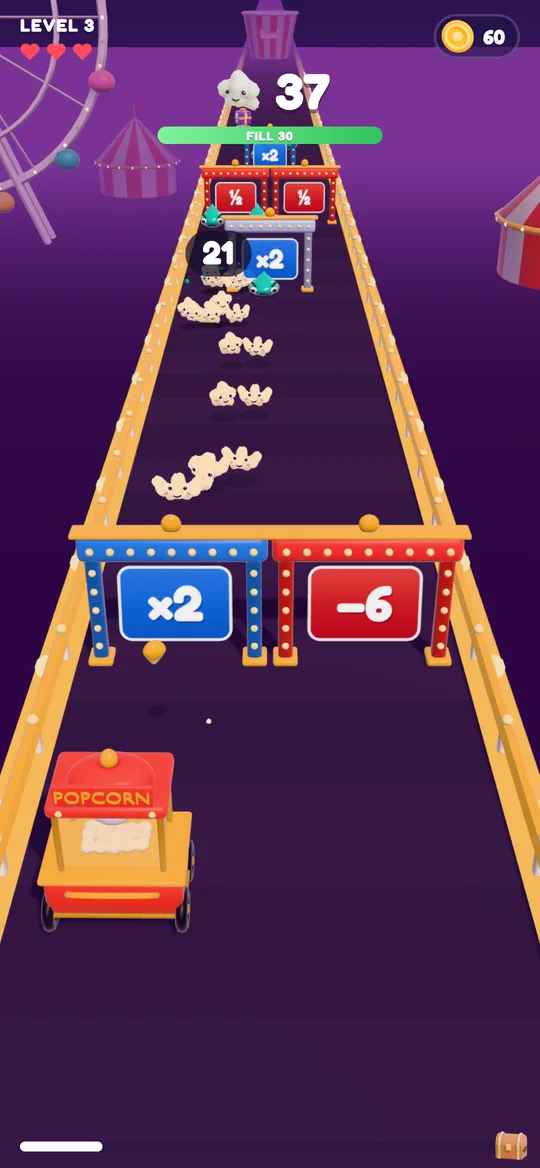
- Controls: hold anywhere to fire popcorn kernels from your cart and drag to steer. One finger is enough.
- Rounds: each level ends when your crowd pours into the giant bucket. Fill it and you win; fall short and you see how close you got.
- Stopping point: after a level, a result card waits for you. Nothing starts until you press a button.
- Sound: there is a Sound On/Off switch in Settings, and the gates, crowd counter and fill bar are all visual, so you can play in silence.
- Saving: there are no accounts, and progress is saved on your device.
- Offline: you do not need Wi-Fi to play. The internet is only used for ads.
- Ads: reward videos are your choice, break ads only appear after a level you won from level 6 on and never during play, and the small banner sits on menus and result cards only. Our guide to reward videos vs break ads explains the difference.
Difficulty also follows a steady rhythm. Every 5th level is HARD with bigger rewards, every 10th is a boss level against the Big Gulp, and an easier breather level follows each spike. On a short break, a breather level is a nice place to land.
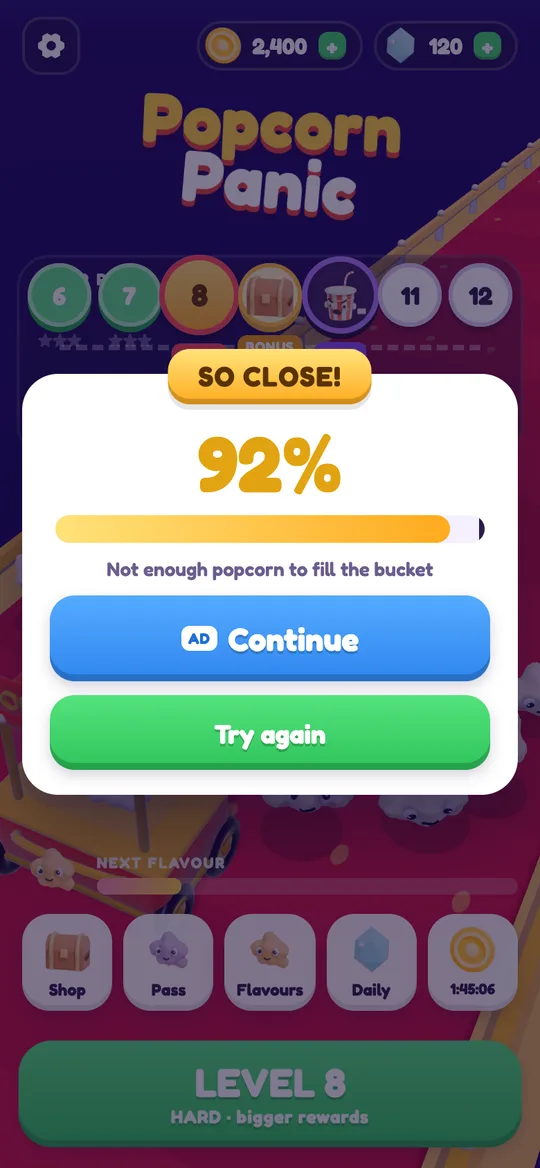
When a level is lost, the SO CLOSE! card shows how full the bucket got. You can watch a video to continue, press Try again, or simply put the phone away. All three are fine choices, and none of them costs anything.
FAQ
What kind of mobile games are best for a short break?
Games with short, self-contained rounds, quick start-up, one-finger controls and a clear result screen at the end of each round. Level-based puzzle, arcade and crowd runner games often fit well.
How long should a quick break game round take?
Short enough that you can finish one or two rounds in your break without rushing. Test it: set a timer for your usual break length and see how many rounds you finish and whether stopping feels natural.
Can I play Popcorn Panic with the sound off?
Yes. Settings has a Sound switch that turns all game sounds off. The gates, crowd counter and fill bar are all on screen, so you can follow every level without audio.
Do I lose progress if I close Popcorn Panic between levels?
No. Progress is saved on your device, so your level, coins and upgrades are still there when you open the game again.
Does Popcorn Panic need the internet for a quick game?
No. You do not need Wi-Fi to play. The internet is only used for ads, so playing offline simply means no ads and no reward videos.