 Popcorn Panic
Is Popcorn Panic safe for kids? A parent's guide
What the age question does, which ads your child can see, how purchases are locked and what data leaves the phone, in plain words.
In this guide
Popcorn Panic has no accounts, no chat and no location, and it saves progress only on the device. A neutral birth-year question at the start decides how ads work: players under 13 only get child-directed, non-personalised, G-rated ads, and a grown-up question protects purchases, outside links and data deletion. Ads never run during play, and all purchases go through Google Play.
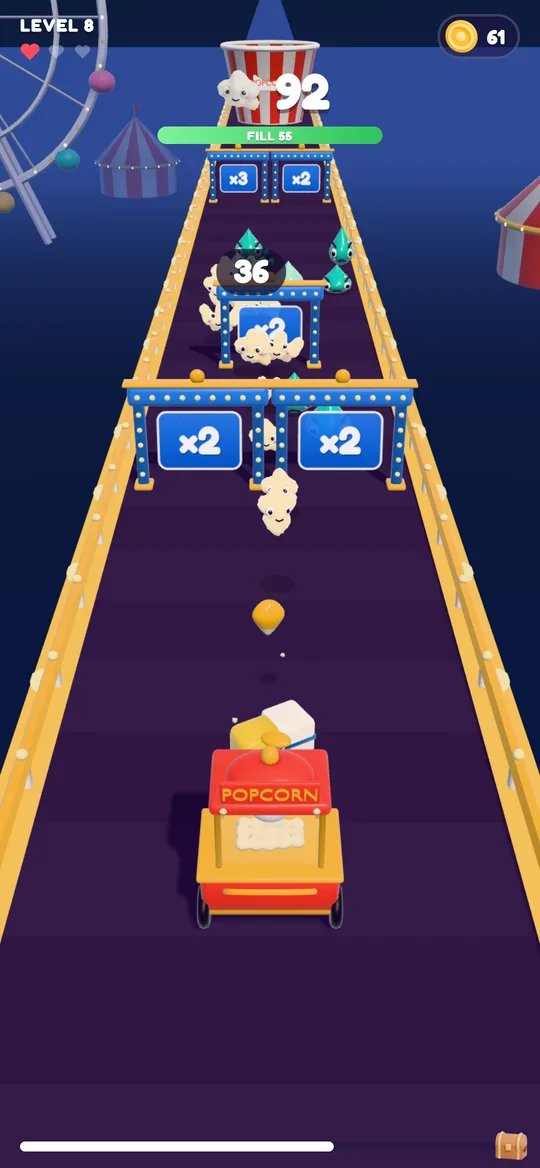
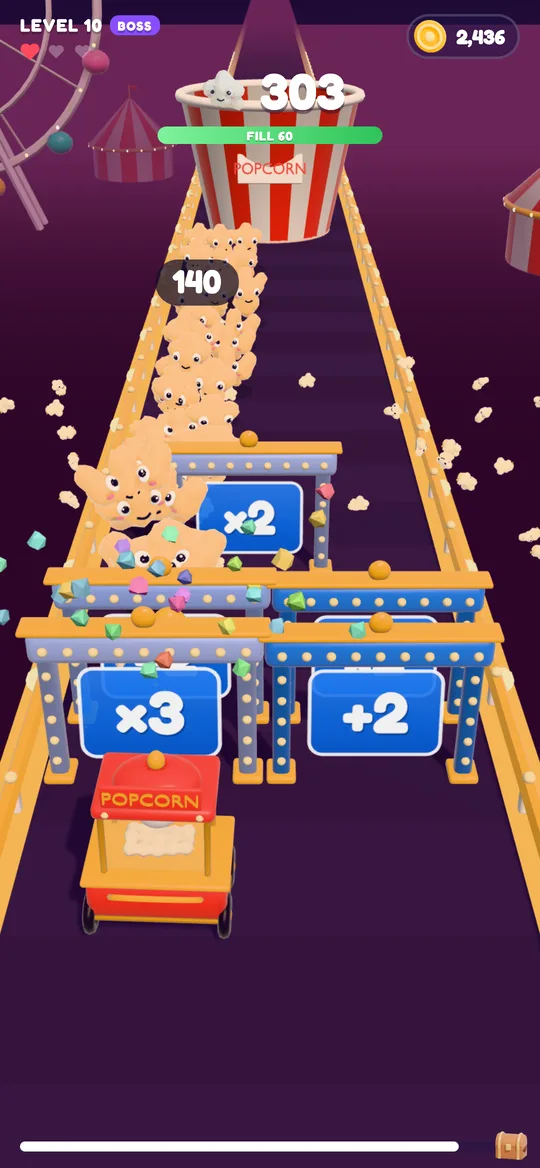
Popcorn Panic: Crowd Rush is a bright cartoon game about popcorn, soda drops and a giant bucket. It is made for players of all ages, and a lot of those players are children. Like most free games it is paid for with ads and optional purchases, so it is fair for a parent to ask how those work before a child starts playing.
So, is Popcorn Panic safe for kids? This guide answers that question directly. Everything here matches the game's privacy policy, and we link the exact settings so you can check them yourself.
The age question at the start
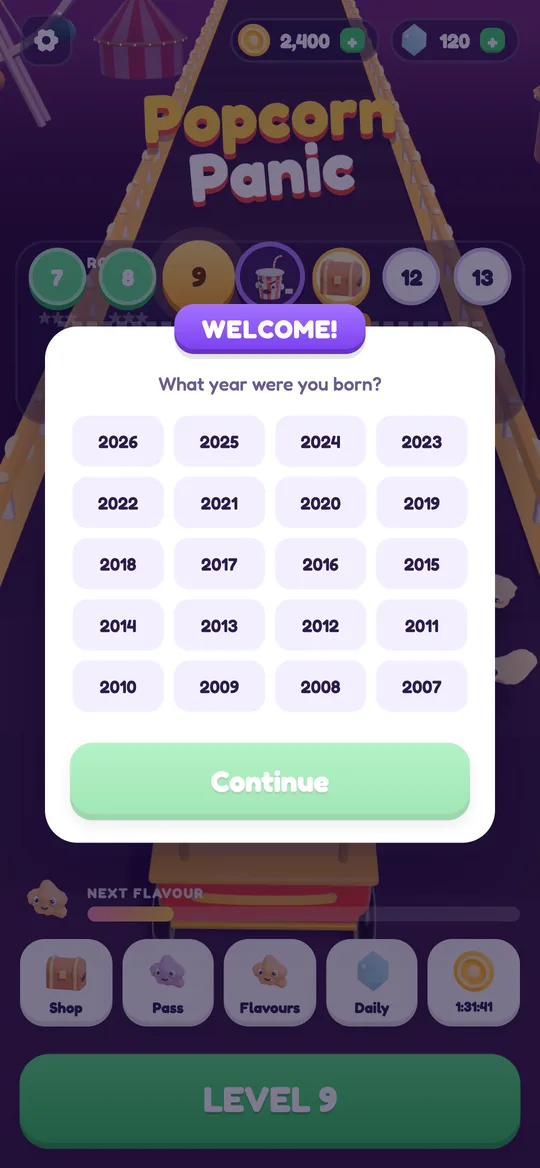
The first time Popcorn Panic opens, it shows a welcome card with one question: "What year were you born?". It is designed to be neutral:
- No year is pre-selected. Your child has to tap one.
- Continue stays grey until a year is chosen.
- Nothing hints at a right answer. There is no "I'm over 13" button to tap past.
- The answer stays on the phone. It is never sent to us.
The game uses that year for one thing only: deciding how ads work. If you set the phone up together, it is worth sitting next to your child for this first screen.
How ads work for children
Popcorn Panic uses Google AdMob and no other ad network. Every ad is limited to a G content rating, whatever the player's age.
If the player is under 13, every ad request is marked as directed to children and under the age of consent, and only non-personalised ads are requested. No consent pop-up is shown, and the advertising ID is not used to build a profile.
If the player is 13 or over, Google may use the advertising ID and basic device data to show and measure ads. Where the law requires it, Google's consent form appears first, and the choice can be changed later in Settings → Ad privacy choices.
When ads appear
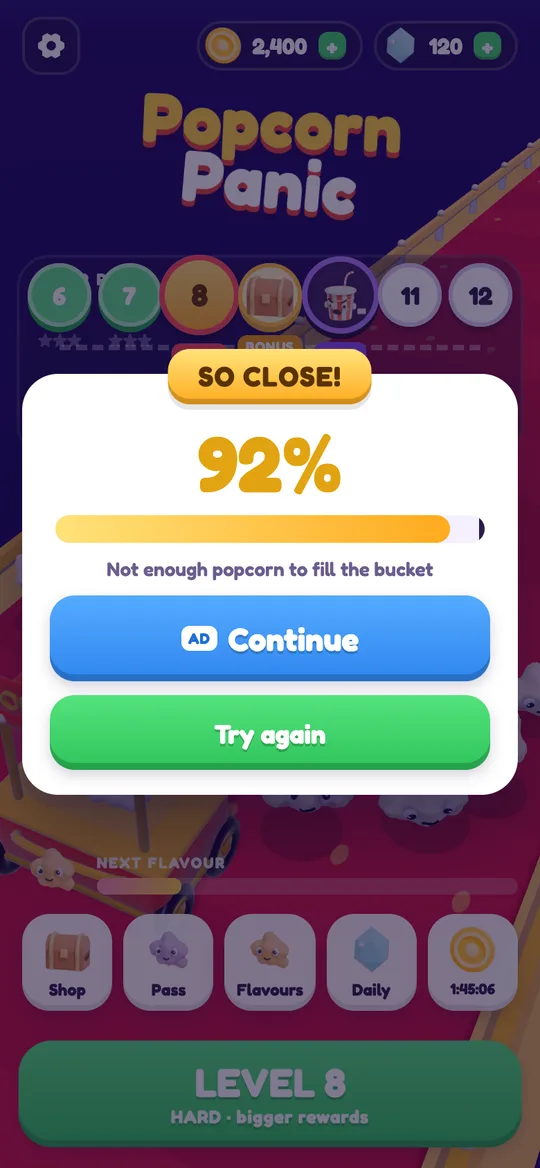
- Reward videos are always a choice. A button marked AD offers something like a continue, double coins or a free upgrade. Nothing plays unless your child taps it.
- Break ads only appear after a level your child won, from level 6, at most one every 3 minutes and at most one every 2 levels. They never appear during play and never straight after a loss, when a child is most likely to be frustrated.
- One small banner sits at the bottom of the home map, the shop and the win and lose cards. It never shows during play, and the game leaves space around it so it is hard to tap by accident.
Purchases and how they are locked
Popcorn Panic is free to play, and every level can be finished without paying. There are optional in-app purchases for coins, gems, flavours, a Starter Pack, a Season Pass and No ads. A few things are worth knowing:
- All purchases go through Google Play. We never see payment details.
- Players under 13 get a grown-up question first. Before any purchase sheet opens, the game asks a multiplication question.
- Random rewards cannot be bought. The free box and the mystery boxes on the road are earned by playing, never sold for real money.
- No ads is a one-time purchase. It removes break ads and the banner. Reward videos stay available, and still optional.
You can also lock purchases on the phone itself: in the Google Play Store app, open your profile, then Settings → Authentication → Require authentication for purchases. With that on, nothing can be bought without your password or fingerprint.
What data leaves the phone
Very little, and none of it reaches us. Popcorn Panic has no accounts, no sign-in, no chat and no server of its own. Levels, coins, flavours, upgrades and the birth year are saved only on the device.
The data that does leave the phone goes to Google: ad views and taps, an approximate location from the IP address, and, for players 13 and over, the advertising ID. Purchase records go to Google Play. The game does not ask for the camera, microphone, contacts, files or precise location.
The game also plays offline. If your child plays on a plane or with Wi-Fi off, there are no ads at all.
Outside links and deleting data
For players under 13, every link that leaves the game, such as the privacy policy, sits behind the same grown-up question as purchases. So does Delete my data.
To wipe everything, open Settings → Delete my data. The game restarts from scratch. Uninstalling the app does the same. Purchases stay with your Google account and come back with Settings → Restore purchases. Step-by-step instructions are on our delete your data page.
A five-minute checklist for parents
- Sit with your child for the birth-year question the first time the game opens.
- Turn on purchase authentication in the Google Play Store settings.
- Play one level together so you both know what the AD buttons do.
- Talk about reward videos: they are a choice, never a must.
- Bookmark the privacy policy and delete-data page.
If your child is just getting started, our beginner's guide to Popcorn Panic walks through the controls, gates and bosses, and our crowd runner game tips show how to clear tricky levels without spending anything.
FAQ
Does Popcorn Panic have chat or accounts?
No. There is no chat, no friends list, no sign-in and no account of any kind. Nobody can contact your child through the game.
Are the ads safe for young children?
Every ad is limited to a G rating. For players under 13 the requests are marked as child-directed and non-personalised, and the advertising ID is not used to build a profile.
Can my child buy things by accident?
All purchases go through Google Play. Players under 13 must answer a grown-up multiplication question before a purchase opens, and you can also require a password for every purchase in the Play Store settings.
Do ads interrupt the game?
No. Break ads only appear after a won level from level 6, never during play and never after a loss. The small banner only shows on menus and result cards.
How do I delete my child's game data?
Open Settings in the game and tap Delete my data, or uninstall the app. The data only exists on the phone, so nothing is left on our side.